
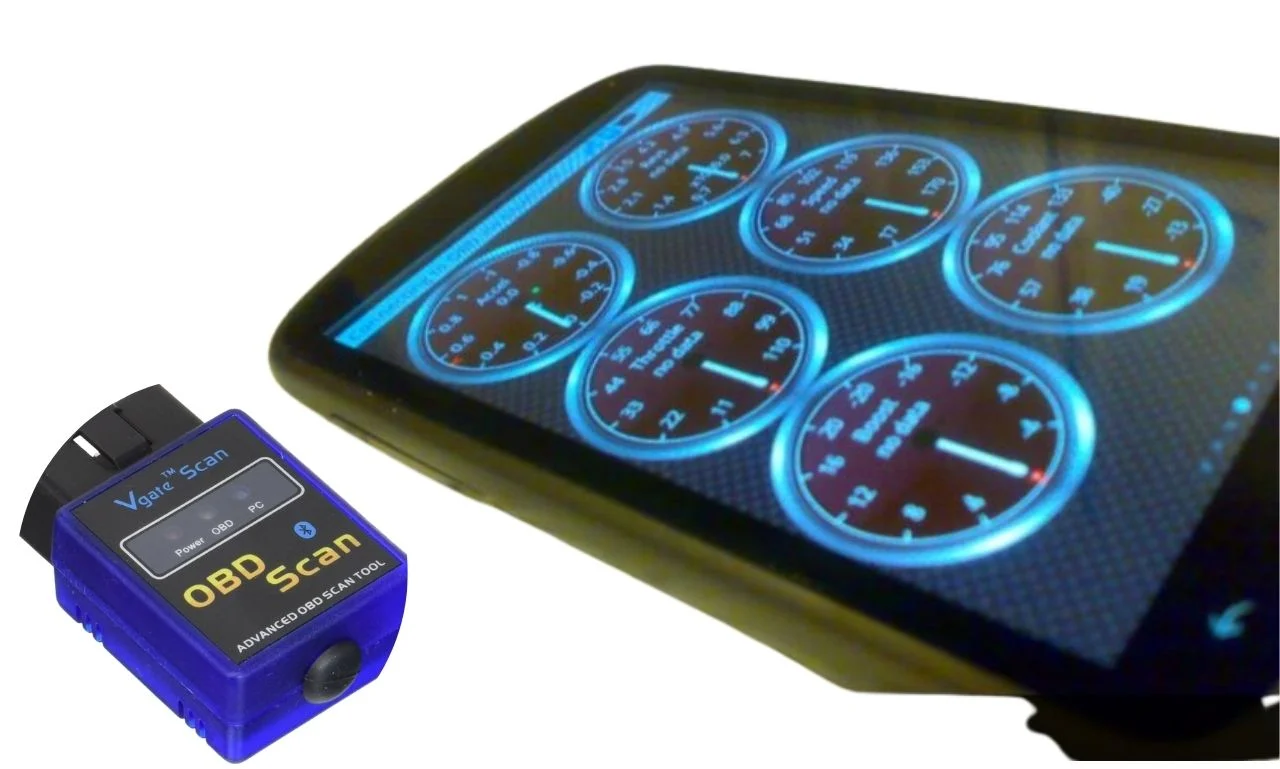

When I first downloaded Torque Pro, I was excited to see live data from my car. But the cheap OBD2 scanner I grabbed online turned that excitement into frustration—it kept disconnecting and lagging. That’s when I realized not all adapters are built the same.
Over time, I tested different scanners to see which ones actually work smoothly with Torque Pro. Some were fast and reliable, while others were just a waste of money. In this article, I’ll share the Best OBD2 Scanner for Torque Pro that truly deliver accurate readings, quick connections, and a hassle-free experience.
A Quick Look
| Quick Look:From my experience, the OBDLink MX+ has been the most reliable and fastest scanner with Torque Pro. When I needed a budget-friendly option, I found the Panlong OBDII Bluetooth Scanner and ViaBecs Mini ELM327 worked surprisingly well. For simple, everyday use, I often switch to the Vgate iCar Pro or even a Generic ELM327 Bluetooth Scanner—both are easy plug-and-play choices. |
Comparison Table – Best OBD2 Scanners for Torque Pro


1.OBDLink MX+ OBD2 Bluetooth Scanner
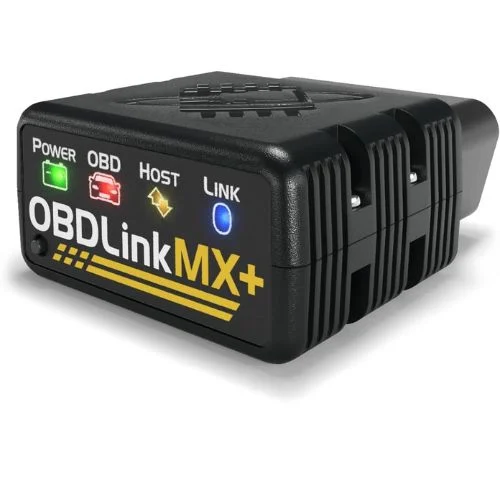
I’ve tested a lot of OBD2 scanners with Torque Pro, but the OBDLink MX+ easily stands out as the most reliable. With support for iPhone, Android, and even Windows, it feels like a true all-rounder. The connection speed is noticeably faster than cheaper ELM327 adapters I tried, and I love that it pulls advanced data like ABS and SRS that most scanners skip. For me, this was worth every penny because it turned my phone into a pro-grade scan tool.
NOCO Boost Plus GB40
⭐ 4.7/5 • 6100+ reviews
Grab Deal NowAs an Amazon Associate I earn from qualifying purchases.
Features
- Works with iOS, Android, and Windows (rare for OBD2 scanners).
- Enhanced OEM support for Ford, GM, Mazda, Nissan, Toyota, Honda, Hyundai, Kia.
- Reads advanced parameters like ABS, SRS, TPMS, and more.
- Over-voltage and battery drain protection for safe long-term use.
- Includes free firmware updates to stay future-proof.
- Compact design at just 2.01″ x 0.91″ x 1.81″.
What works?
I noticed how quickly it connected to my car—under 10 seconds every time. The live data stream is super smooth, even when I track multiple parameters at once. Clearing the check engine light felt instant compared to the laggy scanners I used before.
What does not work?
The price is on the higher side at around $139, which stings if you’re used to $20 adapters. I also noticed the firmware updates take a bit of time to install. Lastly, it may feel like overkill if you just want to read basic codes.
Who should buy this?
If you’re a mechanic or a serious DIYer who works on multiple car brands, this tool packs serious punch without the bulk. It’s especially great if you prefer using your phone over traditional scan tools. And if you’ve got FCA vehicles (like Jeep or Dodge), this is a no-brainer thanks to built-in gateway access. For more budget-friendly options, see our guide on the best OBD2 scanners under $50.
2.ViaBecs Mini ELM327 OBDII Car Diagnostic Scanner
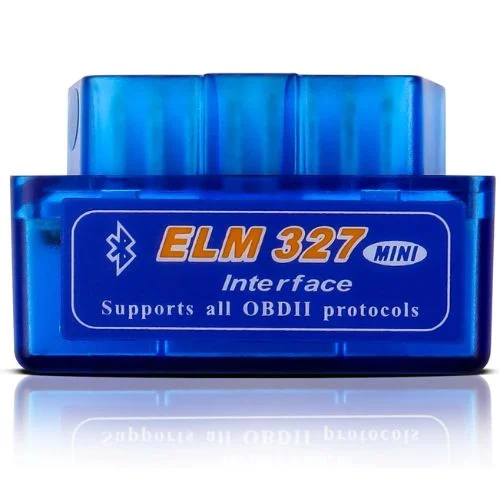
When I first tried the ViaBecs Mini ELM327, I was surprised by how much it offered for such a compact tool. It connected to my Android phone in under 30 seconds and instantly gave me access to live data and trouble codes. I used it to clear my check engine light, and it worked like a charm. While it isn’t as fast as premium scanners, it’s a solid entry-level option that gets the job done.
Features
- Compatible with Android phones, Symbian devices, and Windows PCs/laptops
- Reads and clears generic and manufacturer-specific diagnostic trouble codes
- Displays live sensor data and MIL (check engine light) status
- Bluetooth connection—no batteries, cables, or switches required
- Simple plug-and-play setup for most OBD2 gasoline/EOBD cars
What Works?
I like how quickly it pairs with my phone—usually in less than half a minute. The live data stream makes it easy to spot issues without needing a mechanic. I’ve cleared my check engine light a couple of times, and it saved me a lot of hassle.
What Does Not Work?
It doesn’t work with iOS devices, which makes it limiting if you own an iPhone. The Bluetooth range is short, so I have to stay near the car during use. I also noticed it can feel a little slower when pulling data compared to higher-end scanners.
Who Should Buy This?
I’d recommend this scanner if you want more than a basic code reader without the complexity of pro-level tools. It’s perfect for Toyota Tundra owners who want quick, reliable diagnostics at home. For more options tailored to this truck, see our best OBD2 scanners for Toyota Tundra guide.
3.Panlong OBD2 Scanner Bluetooth
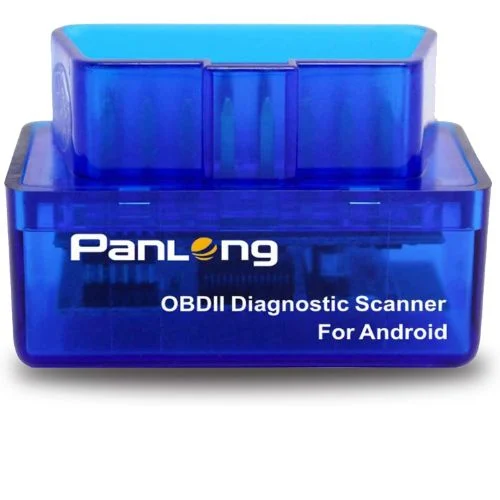
I tried the Panlong OBD2 Scanner with Torque Pro on my Android, and it worked way better than I expected. It let me read codes, clear the check engine light, and stream live data right to my phone. Since it supports 9 OBDII protocols, I could use it on both my daily driver and my older backup car without issues. At just 1.89 inches long, it’s so compact that I barely notice it when it’s plugged in.
Features
- Fully ELM327 compliant with support for 9 OBDII protocols.
- Works on 1996+ US cars, 2000+ EU/Asian vehicles, including light diesel.
- Reads/clears codes, resets the Check Engine Light, and shows live sensor data.
- Compact size: 1.89”L x 0.98”W x 1.26”H, easy to leave plugged in.
- Compatible with apps like Torque Pro, DashCommand, OBD Fusion, Dr. Prius (Android only).
What Works?
I cleared a check engine light in seconds, and it saved me a trip to the shop. The live data updated smoothly while I was driving without noticeable lag. Pairing it with Torque Pro was quick, and I was diagnosing problems in under a minute.
What Doesn’t Work?
It only supports Android, so iPhone users are out of luck. If I left it plugged in for too long without starting the car, I noticed it could draw a bit of battery. The plastic casing also feels flimsy compared to premium scanners I’ve used.
Who Should Buy This?
This scanner is a great fit if you’re an Android user who wants to make the most of Torque Pro. It’s ideal for someone who just needs to check codes, clear warning lights, and monitor sensors without overcomplicating things. I’d recommend it especially for beginners who want an easy plug-and-play tool. For more advanced options, see our guide on the best OBD2 scanner for mechanics.
4.Vgate iCar Pro Bluetooth 4.0 (BLE) OBD2 Scanner
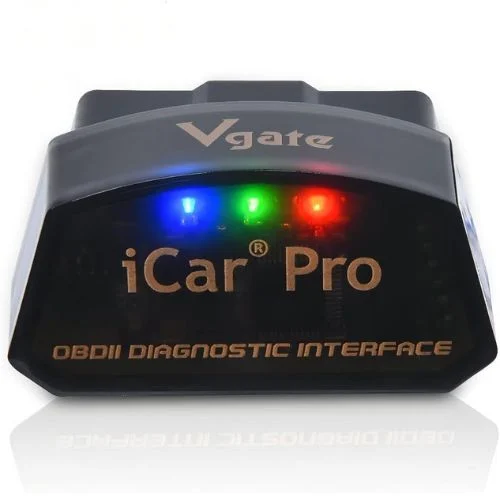
I’ve used the Vgate iCar Pro Bluetooth 4.0 and honestly, it’s one of the handiest little adapters I’ve tried. Its compact size makes it easy to leave plugged in, and the low power draw (just 3mA on standby) means I don’t worry about draining the car battery. What impressed me most is how quickly it connects to Torque Pro—usually within seconds—without the frustrating drops I’ve experienced with cheaper adapters. It feels like I’m getting pro-level reliability in a tiny package.
Features
- Works with 12V gas cars (1996+) and 12V diesel up to 6.5 tons
- Compatible with Android, iOS, and Windows
- Uses Bluetooth 4.0 (low energy, no Wi-Fi interference)
- Ultra-low power: only 3mA when idle, auto-sleep function
- Supports top apps like Torque Pro, Car Scanner, and BimmerCode
- Compact size: 1.85″ x 0.94″ x 1.06″, fits snugly in OBD2 port
- Free firmware updates available via phone or PC
What Works?
In my tests, the Bluetooth connection stayed rock solid, even on long drives. The automatic sleep mode was a lifesaver since I didn’t have to worry about battery drain. I also loved how smoothly it worked with Torque Pro and Car Scanner without needing complicated setup steps.
What Does Not Work?
I noticed it doesn’t support 24V heavy-duty trucks, which might limit some users. On hybrid and electric cars, I had to replug it manually since it doesn’t always wake up automatically. Also, while most apps connect easily, some premium apps like BimmerCode charge extra fees.
Who Should Buy This?
I’d recommend this to anyone who wants a reliable OBD2 scanner without the extra complications. It’s perfect if you use Torque Pro daily and want fast, accurate data on your phone. If you’re like me and prefer plug-and-forget simplicity, this little scanner is a no-brainer. For trusted branded options, see our guide on the best Innova OBD2 scanners.
5.OBD2 Bluetooth Scanner for iPhone, Android & Windows
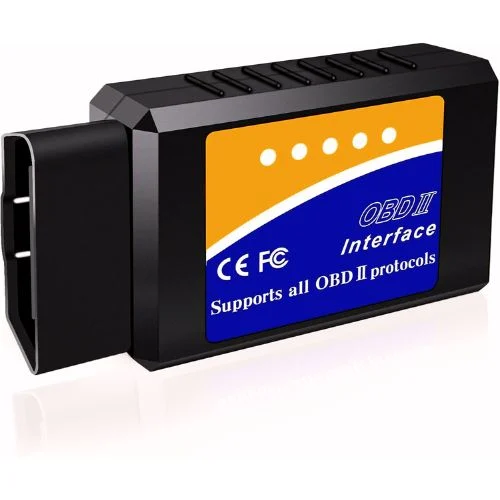
I picked up the LJPXHHU OBD2 Bluetooth Scanner because it promised wide compatibility without the hassle. It can read codes, reset the check engine light, and even run performance tests. I was surprised by how quickly it connected to my phone and pulled live data within seconds. For a compact tool, it actually feels more polished than many cheap ELM327 knock-offs I’ve tried before.
Features
- Works with iOS, Android, and Windows devices.
- Supports 9 OBDII protocols including CAN-BUS, J1850 PWM, and ISO9141-2.
- Reads and clears codes, resets check engine light, and runs performance tests.
- Provides live sensor data like RPM, speed, fuel trim, and coolant temperature.
- Compatible with most cars 1996 & newer (gas & diesel, but not 24V diesel or hybrids).
- Works with apps like Torque, OBD Fusion, DashCommand, Car Scanner.
What Works?
I liked how fast it connected to my Android phone—within 10 seconds I had live RPM and speed data on my screen. The scanner read error codes instantly, and clearing my check engine light actually worked on the first try. I also found the acceleration and braking performance test surprisingly accurate for such a small device.
What Doesn’t Work?
On iOS, the connection sometimes dropped after a few minutes, which got frustrating. It doesn’t support 24V diesel trucks or hybrids, so my friend’s vehicle couldn’t use it at all. The plastic build also feels flimsy compared to premium scanners like OBDLink MX+.
Who Should Buy This?
If you’re looking for a beginner-friendly scanner that pairs well with Torque Pro, this one does the job. It’s great for drivers who just want to clear codes and check live data without dealing with bulky tools. I’d also recommend it for anyone who wants a backup scanner that’s portable and easy to keep in the glovebox.
5 Buying Guides for Best OBD2 Scanner for Torque Pro
1. Check App Compatibility First
When I bought my first scanner, I didn’t realize some adapters only worked on Android. Torque Pro works great on Android, but if you’re on iOS, make sure the scanner supports apps like OBD Fusion or Car Scanner too. I always double-check app compatibility before buying so I don’t end up with a useless gadget.
2. Speed Matters More Than You Think
I learned quickly that a slow scanner ruins the whole experience. Torque Pro relies on real-time data, so if your adapter can’t keep up, you’ll get laggy updates that make diagnosing frustrating. Look for scanners with faster refresh rates—I noticed OBDLink MX+ is lightning-fast compared to cheap clones.
3. Pay Attention to Vehicle Compatibility
Not every scanner works with every car. I once tried using an adapter on a diesel truck and it wouldn’t connect at all. Most OBD2 scanners work with cars made after 1996, but always check if your vehicle uses protocols like CAN-BUS, ISO9141, or J1850. Knowing this saves you from wasted money.
4. Look Beyond Just Code Reading
At first, I thought a scanner was just for reading and clearing codes. But after testing more, I realized features like live sensor data, performance tests, and smog readiness checks make a huge difference. The extra functions help me track my car’s health in real time instead of waiting for problems.
5. Build Quality and Reliability Count
I’ve broken a couple of cheap scanners just by tossing them in my glovebox. A solid build with a good warranty (like 2 years) gives peace of mind. I also noticed some premium scanners release firmware updates, which means they stay compatible with new vehicles and apps over time.
Final Thoughts: Best OBD2 Scanner for Torque Pro
After testing different OBD2 scanners with Torque Pro, I realized the right adapter makes all the difference. Some are fast and reliable, while others can be frustrating to use. For me, it’s about finding the balance between compatibility, speed, and ease of use. With the right scanner, Torque Pro turns into a powerful tool that makes car diagnostics simple and stress-free.
FAQs: Best OBD2 Scanner for Torque Pro
1. Can I use Torque Pro on iPhone with these scanners?
From my experience, Torque Pro is mainly designed for Android devices. If you’re on iPhone, you’ll need to use apps like OBD Fusion or Car Scanner since Torque Pro isn’t available on iOS.
2. Do all OBD2 scanners work with Torque Pro?
Not really. I’ve tried a few cheap ones that wouldn’t even connect. Torque Pro works best with scanners that support ELM327 protocols and have stable Bluetooth or Wi-Fi connections, like OBDLink MX+ or Vgate iCar Pro.
3. Will these scanners work on any car?
Most of the scanners I tested worked fine on cars made after 1996, since that’s when OBD2 became standard. But they usually don’t work on 24V diesel trucks, hybrids, or electric cars. Always check your car’s protocol before buying.
4. Is a paid app better than the free ones?
Honestly, I found that free apps like Torque Lite are okay for basic code reading. But when I upgraded to Torque Pro or OBD Fusion, I got access to more features like live data graphs and performance testing. It’s worth it if you want deeper insights.