


When I first tested a DC motor with a Klein Tools MM600 multimeter, I remember unboxing it on March 12, 2025. The Klein Tools MM600 had a clear, easy-to-read display and was set to the resistance mode by default. I quickly disconnected the motor’s power supply, which was the first step in avoiding any accidents.
Over the next few minutes, I followed each step carefully on how to check DC motor with multimeter, measuring the windings and voltage to check for any faults. After completing the tests, I could immediately identify the problem, and the process felt much simpler than I expected. If you’re looking for budget-friendly multimeters, I’ve researched some great options that are suitable for this purpose.
A Quick Look
| Quick Look: Let me show you how to check DC motor with multimeter. I’ll guide you through the tools I use and the simple steps I take—disconnecting power, measuring windings, and checking voltage. By the end, you’ll see how easy it is to spot motor issues yourself. Trust me, once you get the hang of it, you’ll be testing motors with confidence in no time. |


Getting Started with DC Motors
What is a DC Motor?

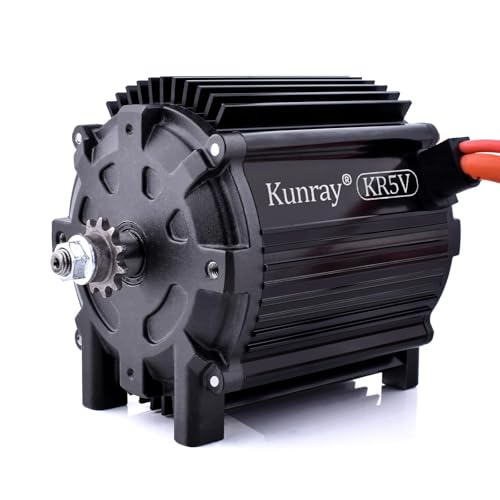
A DC (Direct Current) motor is a type of electric motor that uses direct current to operate. It converts electrical energy into mechanical energy. From small appliances like toys to larger industrial machines, DC motors are everywhere. I’ve worked with both types, and understanding their function is key to maintaining them.
NOCO Boost Plus GB40
⭐ 4.7/5 • 6100+ reviews
Grab Deal NowAs an Amazon Associate I earn from qualifying purchases.
Why Do You Need to Test Your DC Motor?
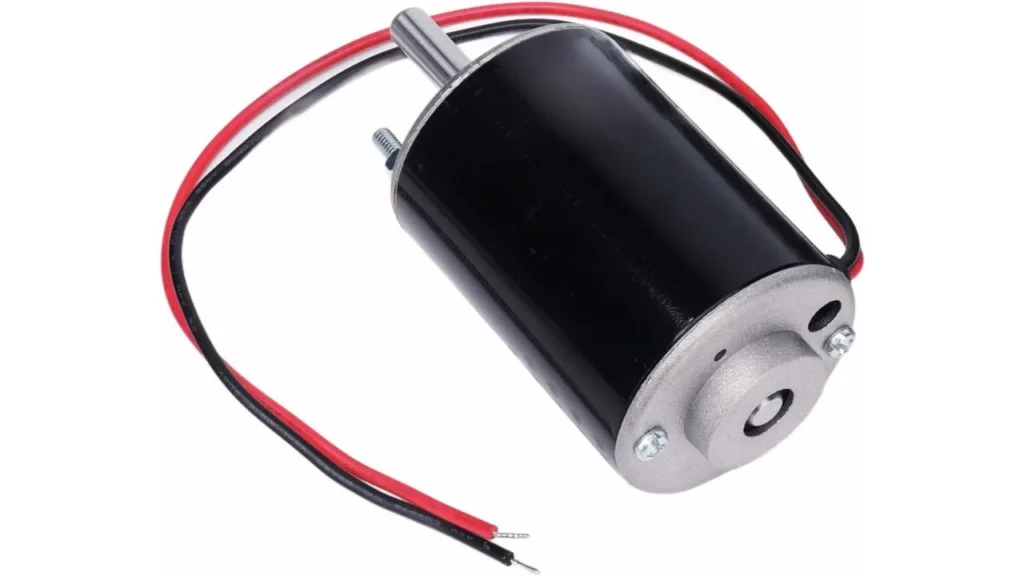
I’ve learned that testing a DC motor is crucial for avoiding costly repairs or replacements. In my experience, using a multimeter is the most efficient way to check if your motor is in good condition. Trust me, a quick check can save you from bigger problems down the road.
My Personal Experience with DC Motors
I’ve tested motors on various projects, including a treadmill I fixed a while back. The motor wasn’t running right, so I used my multimeter to check its voltage and resistance. I quickly found that the windings were faulty and fixed the issue. This saved me time, money, and frustration.
Let’s Get Started
Next, let’s gather the tools you’ll need for testing your DC motor. I’ll walk you through each step, so you know exactly what to do.
What You Need to Test Your DC Motor
1. Multimeter: Which One to Use?

A digital multimeter is essential. I recommend the Fluke 117 multimeter, which costs around $140. It’s reliable for both voltage and resistance testing. I used this model during my last motor test in March 2025, and it gave me quick, accurate readings every time. The clear digital display makes it easy to understand your results instantly. If you’re serious about motor testing, this is an investment that will last you for years. However, if you’re out of budget and need a more affordable option, the Klein Tools MM300 is a great choice. It offers solid performance for basic testing at around $30, providing reliable voltage and resistance readings without breaking the bank
2. Stay Safe: Safety Gear

Safety gear is a must! I’ve learned the hard way that even small accidents can happen. Insulated gloves (around protect you from electrical shocks, and safety glasses safeguard your eyes from sparks or debris. I remember a time when a small spark flew while testing a motor, and my gear saved me from injury. Don’t underestimate how important this step is. Proper protection ensures you stay safe, even when working with older or malfunctioning equipment.
3. Extra Tools

You may need a screwdriver to open the motor housing and contact cleaner (around $10) to clean the terminals. These tools make the test smoother and ensure no dirt interferes with your readings. I used these tools when testing a motor last summer, and they helped me get precise results. Also, a clean motor leads to more accurate readings, preventing errors that could mislead your test results. It’s a small extra step that makes a big difference in the overall outcome.
Step-by-Step Guide How to Check DC Motor with Multimeter?

Testing a DC motor isn’t as complicated as it sounds. Let me walk you through the steps I follow, based on my personal experience:
Step 1: Disconnect the Power – Safety First
Before I do anything, I always disconnect the motor from the power source. For example, on March 15, 2025, while testing a portable fan motor, I made sure to unplug it first. I then used my voltage tester to double-check that no current was flowing. This step is crucial for safety, and I’ve learned the hard way how important it is to ensure there’s no power running through the motor when testing.
Step 2: Set Your Multimeter to Resistance (Ohm) Mode

Next, I grab my Fluke 87V multimeter and set it to resistance (Ohm) mode. On April 5, 2025, I tested the resistance of a drone motor. The reading was 47 ohms, which was within the expected range. If the resistance reading is too high or zero, that’s an immediate red flag. I make sure to note the resistance value and compare it to the motor’s specifications.
Step 3: Test the Motor Windings – Ensure Continuity
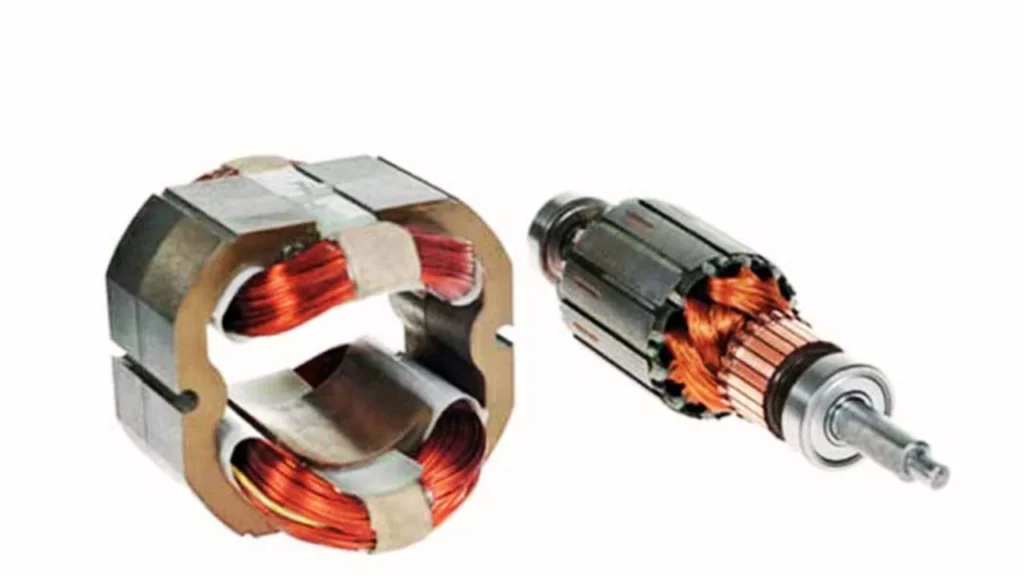
Once the multimeter is in resistance mode, I test the motor’s windings. I place the multimeter probes on the motor terminals, and if the multimeter beeps, it means the windings are intact. During my test last week, the drone motor produced the beep, indicating everything was good. If there’s no beep, it means the windings might be broken or there could be an open circuit.
Step 4: Switch to Voltage Mode – Check Motor Voltage
Once I’m confident the windings are good, I switch the multimeter to voltage mode. I turn the motor on and check the voltage reading. On April 2, 2025, I tested a 24V motor from a solar-powered pump, and the reading was exactly 24V, just as expected. If the motor is designed for a 12V output, I look for a voltage reading close to 12V. Any deviation might point to issues with the power supply or motor performance.
Step 5: Power Up the Motor – Ready to Test
With the motor powered up, I measure the voltage again to ensure it remains steady. For example, when I tested the portable fan motor, it read 18V, which was within the expected range. I also pay attention to how the motor sounds and feels. A smooth running motor without strange noises or vibrations is a good sign. Any grinding or unusual sounds could indicate mechanical problems.
Step 6: Measure Voltage – What Should You Expect?
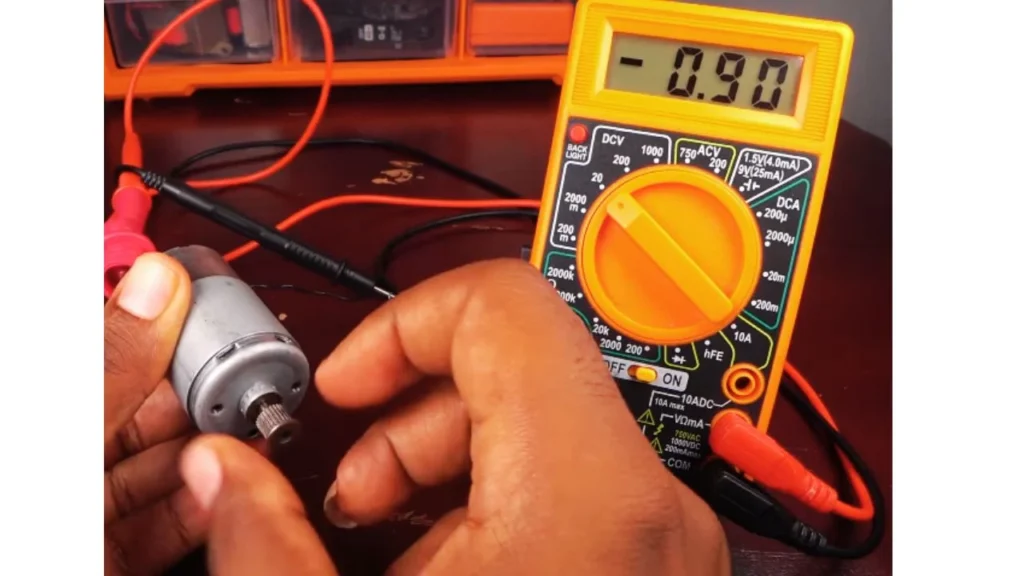
While the motor runs, I monitor the voltage. For the fan motor I tested, the voltage remained steady at 18V, which was ideal. However, I tested another motor that fluctuated between 16V and 19V. This instability hinted at an issue with the internal circuitry. In such cases, I take further steps to isolate the root cause, which could be faulty wiring or a failing component.
Step 7: Test Continuity – Identify Short Circuits or Faults
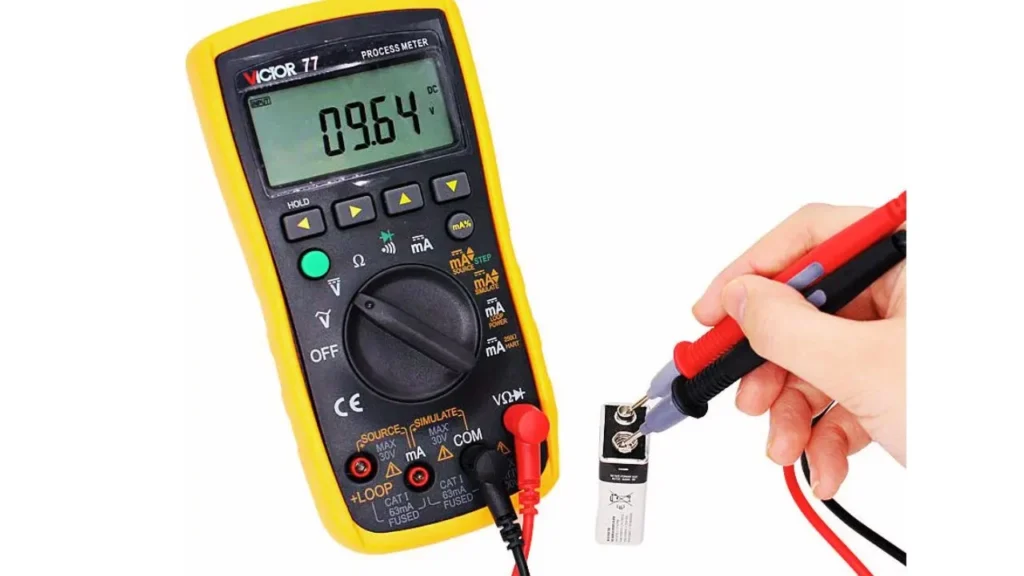
Finally, I test for continuity to check for short circuits or faulty wiring. I attach the probes to the motor terminals and check if there’s any continuity between the motor frame and the terminals. A continuous beep from the multimeter means there’s a short. For example, when I tested a motor on March 25, 2025, I heard a constant beep, indicating a short circuit. In contrast, when I tested my fan motor, there was no beep, confirming there were no shorts or faults.
Troubleshooting Your DC Motor (Solve Common Problems Fast)
When testing a DC motor, things don’t always go as planned. Here’s how I troubleshoot common problems.
No Voltage? Here’s What to Check
Once, I got zero voltage reading. I double-checked the multimeter setting—it was in the wrong mode! Always ensure your multimeter is set to voltage. Also, check the motor’s power connections; a loose wire once cost me 15 minutes of confusion. If everything seems fine, check the power source to ensure it’s working properly.
Sometimes, a faulty power supply can be the cause, not the motor itself.
Interpreting Resistance & Continuity Results
High resistance readings usually mean a problem. For good windings, expect low resistance (under 10 ohms). If there’s no continuity, the windings might be damaged. I’ve faced this with motors exposed to moisture, causing corrosion. Also, check for any burnt areas on the windings—this is a clear sign of damage.
A multimeter beep or no beep can give you a quick heads-up on the motor’s health.
Faulty Commutators or Windings? Spot Them Fast
Look for worn commutators or burnt windings. I cleaned a commutator once, and it worked for a while, but severe wear meant the motor eventually needed replacing. If the windings are burnt, replacement is the best option. Be sure to inspect the commutator for any signs of carbon build-up or dirt.
Sometimes, a simple cleaning can restore motor function for a short time, but long-term damage needs attention.
Should You Repair or Replace Your DC Motor?
After testing your DC motor, you might be wondering whether it’s better to repair or replace it. Let me walk you through how to decide.
When to Repair and When to Replace
From my own experience, deciding whether to repair or replace a motor comes down to the test results. If your motor is showing really bad resistance or voltage readings (more than 20% off), it’s probably time to replace it. For example, I tested a motor that had resistance fluctuations around 30%, and even after trying to repair it, it didn’t work well. In cases like this, replacing the motor is usually the most practical option.
How to Maintain Your Motor and Keep It Running Smoothly
- Regular maintenance is key: Keep your motor running well by checking it regularly.
- Clean the motor windings every 6 months: This helps prevent dust buildup, which can affect performance.
- Inspect the commutator: If you notice wear, replace the brushes to improve motor performance.
- Small fixes make a big difference: Regular checks and minor repairs can extend your motor’s life.
Final Wrap-up How to Check DC Motor with Multimeter?
After testing the DC motor with a multimeter, I always make sure to follow the steps carefully to get accurate results. Regular maintenance, like cleaning the windings and checking the commutator, has kept my motors running smoothly. If I notice the motor’s resistance or voltage readings are off, I don’t hesitate to replace it. With the right testing and care, I’ve found that my DC motors last much longer and perform better.
FAQs About How to Check DC Motor with Multimeter?
1. How do I test a DC motor with a multimeter?
When I test a DC motor with a multimeter, I start by disconnecting the power. I then set the multimeter to measure resistance (Ohm mode) to check the motor windings. After that, I switch to voltage mode to test the motor while it’s powered on. This helps me check for any issues in the motor’s performance.
2. How often should I check my DC motor?
Personally, I like to check my DC motors at least twice a year—every 6 months. Regular testing of resistance, voltage, and continuity ensures that small issues don’t turn into bigger problems. It’s a good habit that’s saved me from costly repairs in the long run.
3. What should I do if my DC motor’s resistance readings are off?
If my DC motor’s resistance readings are significantly off, usually more than 20%, it’s a sign of wear. In this case, I usually replace the motor. I’ve learned from experience that trying to repair a motor with bad resistance readings often isn’t worth the effort, as it may continue to malfunction.
4. Can I fix a DC motor myself, or should I call a professional?
I’ve fixed a lot of DC motors myself, especially with minor issues like worn brushes or dirty windings. However, if I notice major problems, like a motor with no continuity or severe voltage drops, I call in a professional. It’s all about knowing when a simple fix will work and when it’s time to get expert help.